ComfyUI Workflow Import Errors: Troubleshooting the Report
Fix ComfyUI import failures — unresolved LoRAs, unsupported custom nodes, PNG metadata issues, compile diagnostics, and dropped sampler settings. Transpile-only; no silent fixes.

ComfyUI workflow import errors are usually visible in the import report or compile diagnostics — Wavemaker avoids silent drops. This troubleshooting guide maps symptoms to fixes for transpile import (not hosted ComfyUI). Start: /comfyui. Import walkthrough: import ComfyUI workflows.
What should you read first on every import?
Before editing anything, scan four report buckets:
- Assets to resolve — LoRAs/checkpoints seen but not bound
- Approximated — snapped aspect ratio, img2img → edit mapping
- Not imported — ControlNet graphs, custom nodes, subgraphs (video chains often map)
- Dropped settings — sampler, seed, CFG, steps
If compile fails, open diagnostics — type errors often mean broken links in source JSON, not Wavemaker ” guessing wrong.”
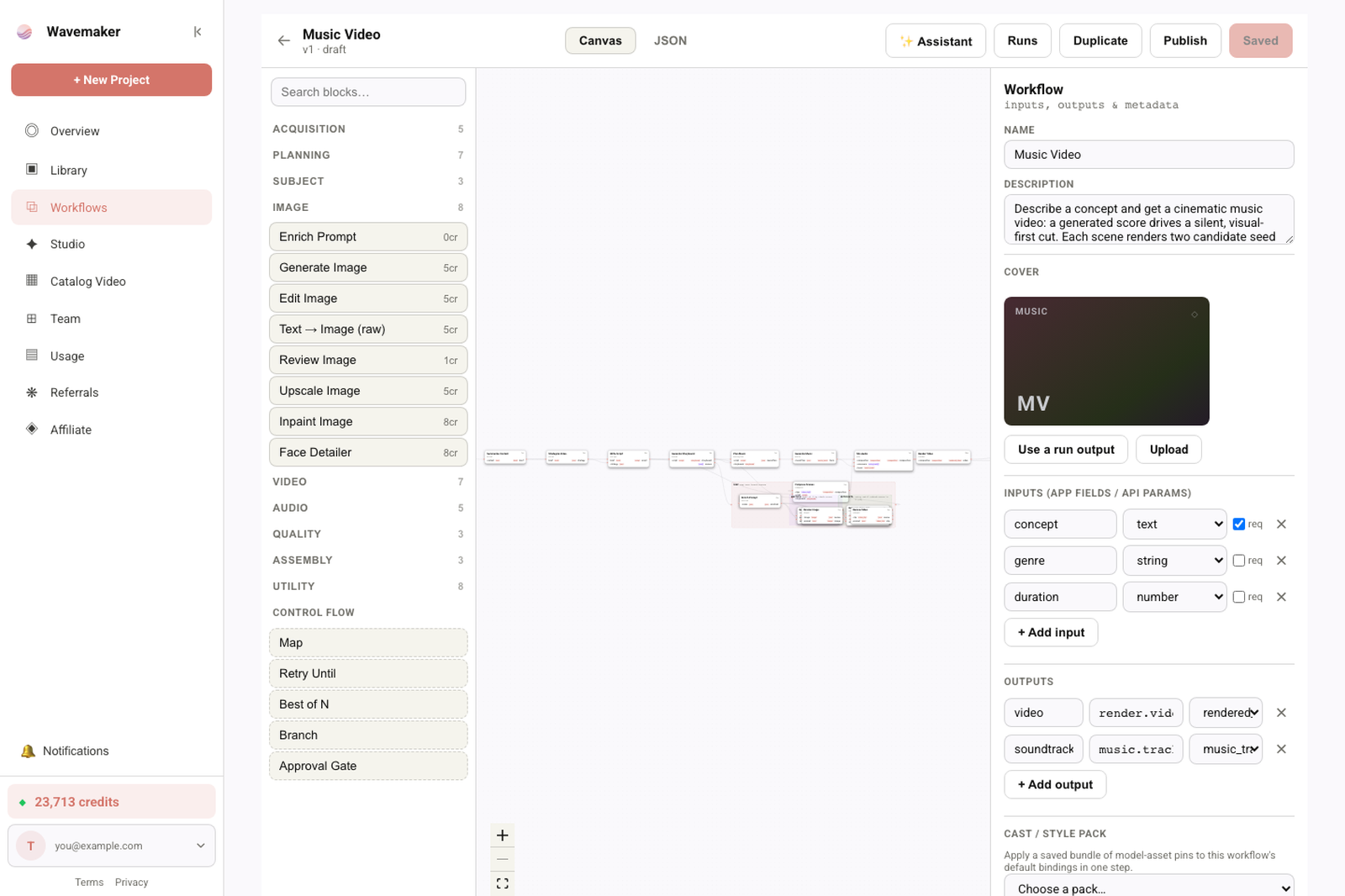
Builder layout controls while editing a workflow.
Unsupported nodes and missing class types
Symptom: Long Not imported list with unfamiliar class_type names.
Cause: Custom node packs, ControlNet extensions, video subgraphs — never executed online.
Fix:
- Open copilot prefilled list — rebuild with review/best-of-N/edit/video blocks
- Simplify graph in Comfy to standard loaders + sampler + save, re-export API JSON
- Read custom nodes dependency hell
Do not expect toggling a setting to “enable” custom nodes — platform policy is fixed.
Unresolved LoRAs and checkpoints
Symptom: LoRA filename under assets to resolve; run looks like base model only.
Cause: Weight not in org library, filename mismatch, or base family not runnable on platform hosts.
Fix:
- Import/train in Training Studio on documented runnable base — /lora-training
- Match filename exactly (case/normalization handled — but not creative renames)
- Re-import Comfy JSON after library update
Deep dive: LoRA workflows explained.
PNG-specific failures
Symptom: “No workflow metadata” or “unsupported embed format.”
Cause: Stripped metadata (social upload), non-Comfy PNG, corrupted file.
Fix:
- Re-save PNG from Comfy with metadata enabled
- Or export
.json— PNG metadata guide - A1111 parameters → export Comfy JSON manually
Wrong prompts or widget values
Symptom: Prompt text garbled or empty after UI JSON import.
Cause: Positional widget decode mismatch on exotic node versions.
Fix:
- Export API JSON (often clearer)
- Compare node widget order — JSON formats
- File issue with sample JSON if standard node decodes wrong (regression)
Compile errors after mapping
Symptom: Diagnostics mention missing ports or invalid types.
Cause: Source graph had muted branches wired incorrectly, or partial manual JSON edit.
Fix:
- Re-export clean graph from Comfy
- Remove bypassed experimental branches before export
- Use
POST /api/v1/workflows/comfy-importin CI to catch before UI save
”Look mismatch” after successful import
Symptom: Import green, run green, aesthetic differs from local Comfy.
Cause: Dropped sampler/seed/CFG + different platform engines — by design, not sneaky.
Fix:
- Read dropped settings aloud
- Tune prompt; add review gate and best-of-N
- Do not chase pixel parity — see why transpile
img2img-specific surprises
Symptom: Image ignored or overly strong restyle.
Cause: Misclassified latent path or edit approximations.
Fix:
- Verify graph is standard encode → sampler path — img2img online
- Promote image input in spec after import
API import debugging
curl -X POST https://api.wavemaker.io/api/v1/workflows/comfy-import \
  -H "Authorization: Bearer mcp_your_key" -H "Content-Type: application/json" \
  -d '{ "comfy": <JSON> }'
Inspect report.entries and diagnostics before POST /api/v1/workflows.
Inspect report.entries and diagnostics before POST /api/v1/workflows.
What if compile passes but runtime quality regresses?
Compare dropped settings first. Then verify LoRA binders in the report — silent base-model runs look like “regression” when adapters failed to attach. Add review gates temporarily to measure pass rates against prompts. If gates pass but art direction fails, the gap is creative tuning on platform engines, not import failure. Escalate to engine selection / BYOK only after report is clean — workflows as API may apply for orgs with provider keys.
First-hour triage order
- Read Not imported — if dominant, stop expecting parity fixes
- Read Assets to resolve — fix library before tuning prompts
- Read Dropped settings — reset aesthetic expectations
- Re-run compile via API if UI state is stale
- Open copilot with prefilled gaps before manual rewiring
Regression tests worth automating
Save golden API JSON fixtures in CI; assert import report categories remain stable when you change platform mappers. When report counts shift, fail the build and notify the creator who owns the Comfy graph. Pair with compile diagnostics assertions so broken graphs never reach Hub publish pipelines.
When users say “import broken,” ask whether they mean compile failure, missing nodes, or aesthetic mismatch — three different fixes. Training support to read the report aloud on calls reduces repeat tickets more than hotfixing mappers for unsupported custom nodes.
Publish an internal FAQ mirroring frontmatter FAQs on these posts — support macros with links to /comfyui, import walkthrough, and troubleshooting reduce mean-time-to-educate when chats spike after a viral Comfy workflow share.
Escalation to engineering should include the smallest JSON that reproduces the report entry — not a thousand-node lab graph unless necessary.
Weekly office hours for creators migrating off Comfy reduce duplicate GitHub issues — walk through /comfyui, one import report, one copilot rebuild live.
Categorize tickets: compile vs report vs aesthetic — three queues, three playbooks, faster SLAs.
Maintain a public status line when Comfy import feature flag rolls out — calendar posts assume comfyImportEnabled; operators should align flag date with earliest pubDate in this cluster.
Add report screenshots to GitHub issue templates so engineers reproduce mapper gaps in one pass.
Close the loop with changelog entries when mapper coverage expands — creators re-import old JSON when release notes say ControlNet still unsupported but new edit blocks help.
Track top five class_type values in Not imported monthly — prioritizes mapper work that unlocks whole subgraphs.
When aesthetic tickets dominate but report is clean, route to prompt tuning docs — not engineering on transpile mappers.
Publish a single internal “report legend” doc linked from every Comfy support macro — reduces misread categories. Refresh it when mapper release notes ship. Point creators to import guide before escalating to engineering teams.
Escalation checklist for support teams
Collect: source file type (API vs UI vs PNG), import report screenshot, compile diagnostics JSON, and whether LoRAs exist in Training Studio. Avoid asking users to paste full prompts publicly if Premium IP is concern. Reproduce with comfy-import API when UI state is unclear.
Rate limits and large graphs
Very large UI JSON files may take longer to normalize but should still compile if topology is valid. If browser PNG extraction fails on size, export JSON instead. API import accepts the same payload developers use in CI — no browser chunk limits.
When to abandon transpile for this graph
If Not imported is most of the graph (ControlNet-heavy, in-Comfy video, exotic nodes), keep research on local/hosted Comfy — alternatives comparison. Transpile a simpler core for product/API instead.
Most tickets close when creators re-import after library fixes — not when engineers tweak transpile.
Where to go next
- Pillar: /comfyui
- Run path: Run ComfyUI workflows online
- Publish: Comfy workflow to product
- Builder: Visual workflow builder tour
Most “import errors” are honest signals — fix assets, simplify topology, or rebuild unsupported policy on platform blocks instead of fighting transpile semantics.
Frequently asked questions
- Why did my ComfyUI import show many unsupported nodes?
- Custom nodes, ControlNet graphs, and subgraphs are not executed or imported on Wavemaker. Common WAN/AnimateDiff-style video chains do map. Unmapped nodes appear in the not-imported section — rebuild with platform blocks or simplify the graph before import.
- My LoRA is listed under assets to resolve — what now?
- Import the weight to Training Studio on a runnable base model, ensure the filename matches what the JSON references, then re-import the Comfy graph.
- PNG import says wrong format — can I fix it?
- Only Comfy-embedded PNG metadata is supported. Export API JSON from Comfy for A1111 images or stripped PNGs.
- Import succeeded but output looks nothing like Comfy — is it broken?
- Often expected: sampler, seed, CFG, and steps are dropped and listed. Compare creative intent, read approximations, add review gates — do not assume pixel parity.