ComfyUI LoRA Workflows Explained: Import, Bind, and Run on Hosted Engines
How ComfyUI LoRA loader chains map to Wavemaker — filename matching, runnable base models, import report unresolved assets, and what Civitai weights do not auto-run online.

ComfyUI LoRA workflows stack small adapters on a base checkpoint — often the real value in a shared graph. On Wavemaker, LoRA chains import as bindings to your Training Studio library on runnable hosts, not as arbitrary files beside a remote Comfy install. Unsupported weights stay in assets to resolve; nothing silently skips. LoRA training overview: /lora-training. Comfy pillar: /comfyui.
How does Comfy wire LoRAs in JSON?
Typical topology:
CheckpointLoaderSimple→ model + clip- One or more
LoraLoader/LoraLoaderModelOnlynodes chaining model (and maybe clip) - KSampler consuming the final model tensor
- Prompt nodes on conditioning path
Understanding this topology helps when you simplify stacks for product — you know which loaders are cosmetic versus load-bearing on the model path.
Both API JSON and UI JSON encode loaders; UI saves may hide strengths in positional widget arrays — see JSON formats explained.
The importer:
- Normalizes graph
- Finds loader nodes on path to sampler
- Extracts filename, model strength, clip strength when decodable
- Attempts library match by normalized filename
What is the runnable host gate?
Matching a file in storage is step one. Step two: base model family must have a platform engine that actually applies adapters at run time.
Today that means the Training Studio / kernel hosts documented for product runs (krea2 / ltx / wan / hunyuan / elevenlabs-style paths — not “every Civitai base runs live”). We refuse attach-and-ignore: unsupported families land in unresolved assets on the report.
Claim-safe summary: import library ≠ automatic online inference for every checkpoint family.
What happens when checkpoint and LoRA bases disagree?
Comfy lets you chain loaders creatively; not every combination maps to a runnable platform host. A graph might reference a checkpoint filename your library never imported, or a LoRA trained on a base family that catalogs but does not execute adapters online. Both appear under assets to resolve or unresolved sections — never as silent no-ops. Fix order: align checkpoint and LoRA on the same runnable family in Training Studio, re-export API JSON from Comfy if filenames changed, re-import, and confirm the report before Hub publish.
Creators shipping character products should document which adapter is identity versus style in Hub copy. Runners without Comfy context cannot infer that from opaque filenames alone. Premium hidden graphs protect prompt prose, not missing weights — unresolved LoRAs block honest execution and should be cleared pre-launch.
Civitai downloads versus org library hygiene
Civitai pages describe intent; Wavemaker binds files you imported under normalized names. Download, rename to the string your Comfy graph uses, import via Training Studio, then import the graph. Skipping rename steps is the top cause of “works locally, unresolved online.” Keep a small manifest sheet mapping Civitai model ids to library filenames for your team; re-import Comfy after any rename. Runnable versus library-only bases are summarized on /comfyui — do not assume every Flux or SDXL weight auto-runs because it uploaded successfully.
Recommended import order (creators)
- Train or import LoRAs in Training Studio on a runnable base you will use online.
- Export Comfy API JSON from your golden graph.
- Import at New workflow → ComfyUI.
- If report is clean, run with quote; if not, fix assets and re-import (bindings are not magic on stale filenames).
Character LoRA guides on Wavemaker live under /lora-training and related blog posts — link your cast packs there when publishing.
Multi-LoRA stacks and conflicts
Comfy allows long chains (style + character + detail). Wavemaker preserves order read from graph when mappable. If two loaders fight on platform engines:
- Simplify to one style + one subject LoRA for product graphs
- Use review gates to reject drift
- Document promoted inputs so API runners cannot inject unknown weights
Premium published workflows can hide graphs so runners cannot swap LoRA filenames arbitrarily — Comfy to product.
LoRA workflows vs embedding other weights
Comfy graphs may also reference:
- Checkpoints — reported; must exist on runnable path or unresolved
- LyCORIS / LoHA — treat as LoRA-like; same gate
- Textual inversion — often not imported if nonstandard nodes involved
Custom nodes wrapping loaders → not imported — dependency hell.
How do clip vs model strengths differ on import?
Comfy LoraLoader nodes expose separate model and CLIP strengths. When both decode from widgets, we map what the normalizer can read; when UI positional arrays omit names, strengths may fall into approximated. After import, run A/B prompts with review gates rather than assuming one-to-one strength parity with your local grid.
Running LoRA workflows online
After transpile, execution is platform blocks, not Comfy LoraLoader Python:
- Run ComfyUI workflows online
- Slug API + MCP for automation — workflows as API
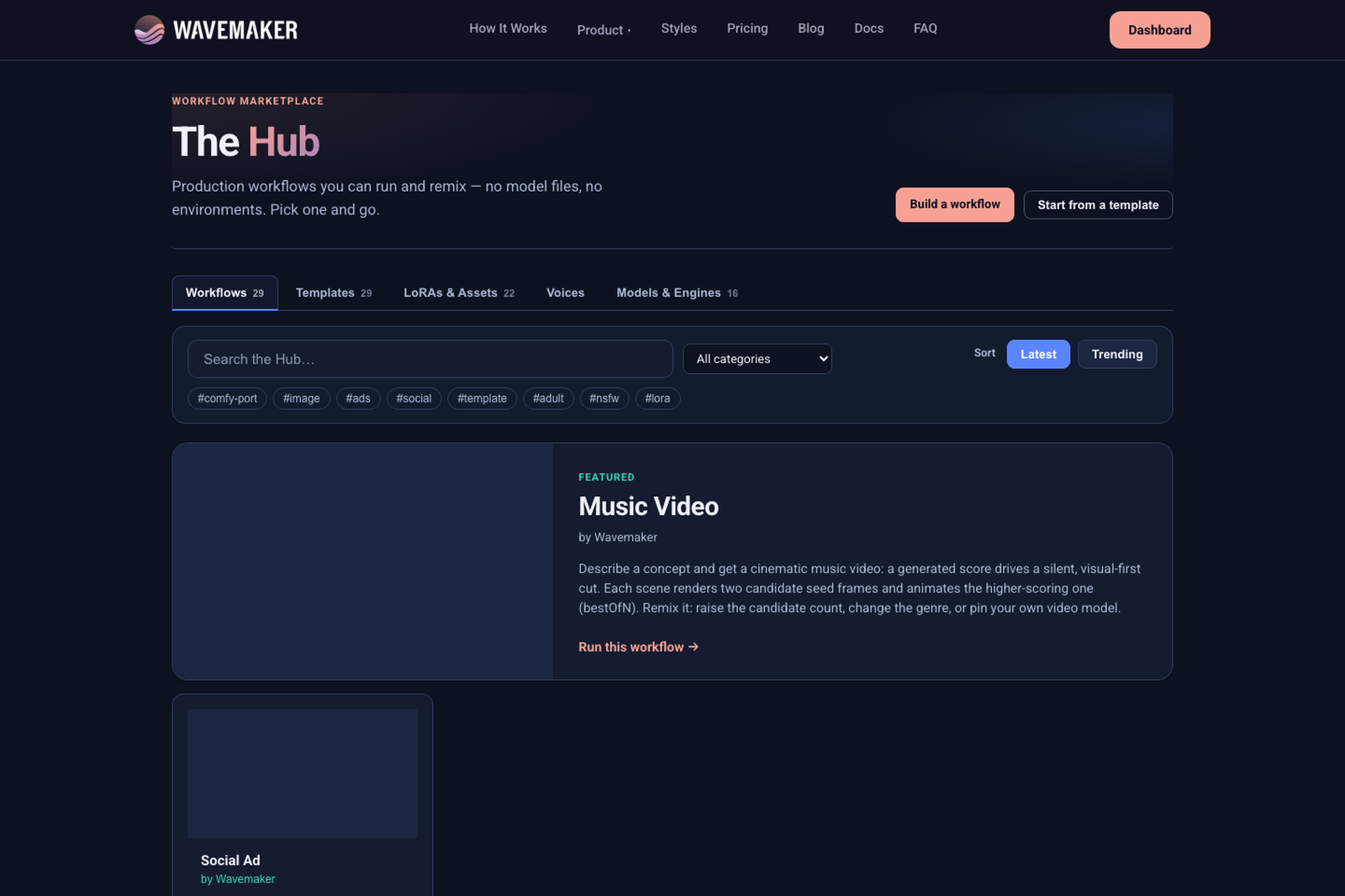
Hub catalog — browse runnable workflows and assets.
Full playbook: workflow troubleshooting.
How do multi-LoRA product graphs stay maintainable?
Cap visible LoRAs in published workflows — style + subject + one detail adapter — even if Comfy allowed six. Each additional adapter increases unresolved risk when filenames drift. Use Training Studio naming conventions tied to character bible docs; re-import Comfy when you rename. For API runners, lock inputs so clients cannot inject arbitrary adapter filenames unless you explicitly want that flexibility.
Naming conventions that help matching
Rename downloaded Civitai files to stable names before library import — the Comfy graph references filenames, not URLs. Teams sometimes keep a loras/ manifest sheet mapping Civitai ids to normalized names used in JSON. Re-import Comfy after renames; unresolved assets should shrink to zero before publish.
Troubleshooting LoRA import
| Symptom | Likely cause | Fix |
|---|---|---|
| LoRA in unresolved | Not in library or wrong filename | Upload/import weight; match filename |
| LoRA unresolved but file exists | Base not runnable | Retrain/import on supported base |
| Wrong character | Approximated strengths | Tune prompt; add review gate |
| Worked in Comfy, flat online | Dropped sampler/seed | Expected — read dropped settings |
Full playbook: workflow troubleshooting.
Publish only after a clean report — Premium hides prompts, not missing LoRAs.
Runnable vs library-only LoRAs (claim-safe)
Training Studio may catalog weights for planning while only some base families execute adapters at run time. The import report is the source of truth — not the Civitai page title. When in doubt, run a single-image test with review gate before publishing Premium. Link runners to /lora-training for how training paths differ from library-only imports.
Stacking order and CLIP vs model strengths (recap)
Document which LoRA is style versus identity in Hub copy — filenames alone confuse runners. When Comfy used three adapters, consider collapsing to two on platform to reduce unresolved risk. Re-import after any Training Studio rename. Civitai downloads should enter library with stable names before graph import, not after.
LoRA workflows are the main reason creators import Comfy at all — treat library hygiene as part of the creative pipeline, not an afterthought when Hub publish is blocked.
When fundraising decks claim “any LoRA runs,” fix the language: library cataloging and runnable adapter hosts differ. Your import report is the honest slide footnote — link /comfyui in investor appendices if generative infrastructure is material to the product story.
Character LoRA creators should pair this post with /lora-training and cast-pack docs when publishing multi-subject Hub apps — filename collisions across characters are the top LoRA import support pattern.
If two Comfy graphs reference the same filename but different files on disk, normalize filenames before import — the matcher is literal after normalization, not semantic dedupe by embedding.
Royalty-bearing Hub workflows should document which LoRAs are bundled so remixers know what they must license separately — transpile binds weights, not legal rights.
When staging imports for a campaign, run the same graph twice on two org accounts to verify library bindings are org-scoped correctly before inviting external beta runners.
Document default LoRA strength behavior in release notes whenever mapper logic changes — creators compare reports across weeks.
Hub showcase galleries prove LoRA-bound outputs to buyers better than filename lists in README files — curate three runs before launch day. See /comfyui for the full import contract.
How should teams regression-test LoRA imports?
Before a marketing launch, run the same imported slug twice with identical promoted inputs and compare artifacts in a review gate. Drift between runs often traces to approximated strengths or dropped sampler settings — not mysterious platform bugs. Store API JSON exports in git and re-import after Training Studio renames; unresolved asset counts should trend to zero. Pair with workflow troubleshooting when filenames look correct but bases are library-only.
Where to go next
- Import walkthrough: Import ComfyUI workflows
- img2img + LoRA combos: img2img online
- Transpile limits: Why transpile
- Pillar: /comfyui
Your LoRA stack is the asset — bind it honestly, run it on engines that actually load adapters, and publish without asking runners to clone your models/Lora folder.
Frequently asked questions
- Do ComfyUI LoRA stacks import automatically?
- The importer walks LoRA loader nodes on the model path and matches filenames to your org library. Matching alone is not enough — the LoRA must be on a base-model family with a runnable host on Wavemaker or it stays in assets to resolve.
- Can I use any Civitai LoRA from my Comfy JSON?
- Only weights you imported to your library on supported runnable bases execute. Flux/SDXL-only library imports may catalog without a live adapter host — check /lora-training and the import report, not assumptions.
- What if my JSON references a LoRA I never uploaded?
- It appears under assets to resolve, often with manifest hints (filename, hash, download URL when present). Import the weight to Training Studio, then re-import the Comfy graph.
- Are LoRA strengths from Comfy preserved?
- Strength widgets may map when readable from normalized widgets; when not, the report lists approximations. Tune on platform runs — do not expect identical Comfy strength semantics without verification.